

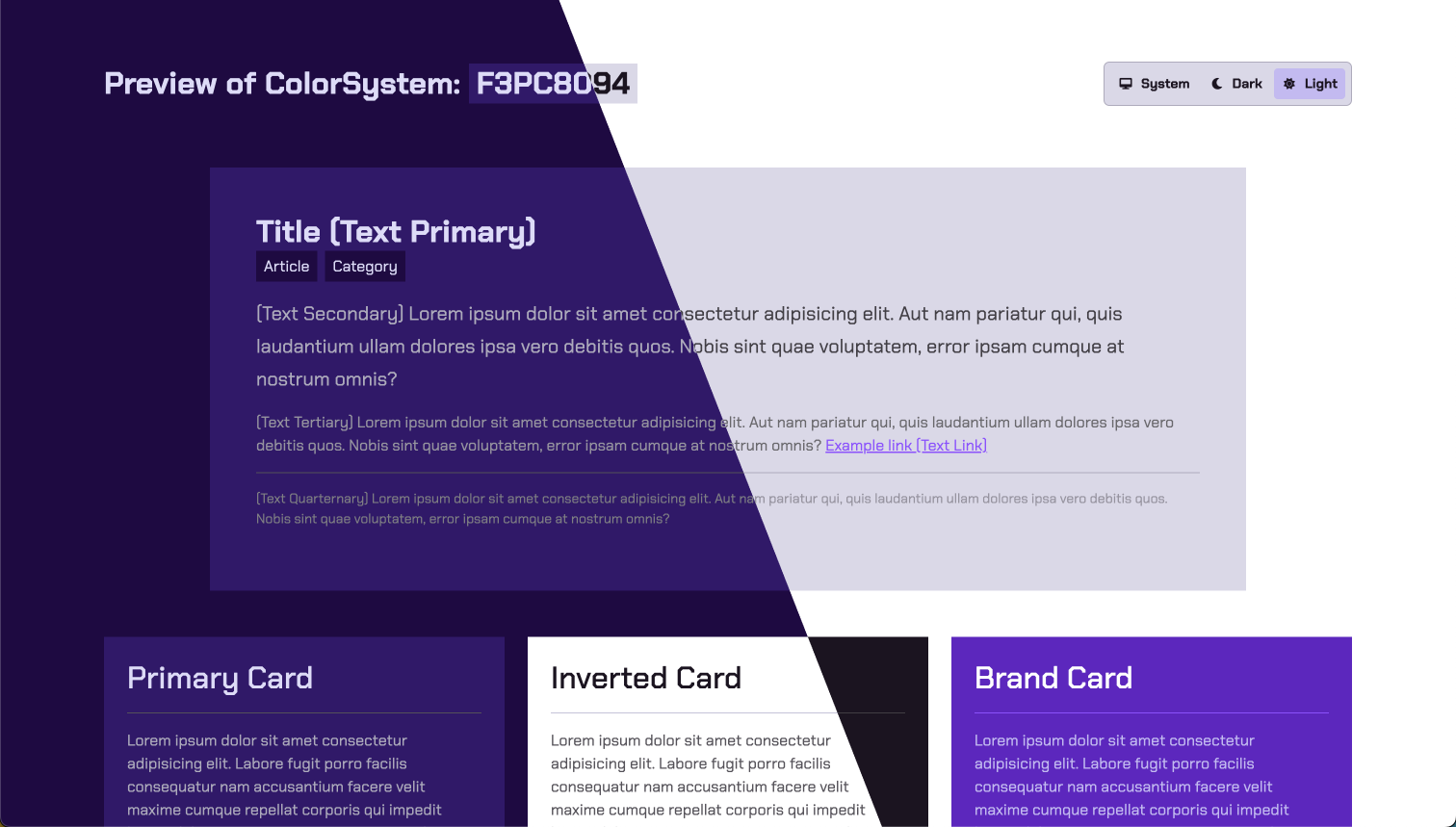
1. Create a Color System
First create a color system. Once you have your colorsystem, please copy the ColorSystem ID.Example Color Systems
Example Color Systems
If you just want to test this out without creating a color system of your own you can test with any of these:
Barbie Color System Example:
Spotify Color System Example:
FedEx Color System Example:
YouTube Color System Example:
Kodak Color System Example:
IKEA Color System Example:
2. Launch the Preview
Just enter the color system id in the box below and click “Launch Preview”or
<ColorSystemId> with your color system id in the link below.
3. Toggle Light / Dark Mode
To preview how your site will behave for users with different preferences for dark or light mode, use the Theme Selector component at the top of the preview page.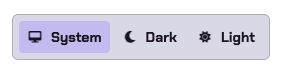
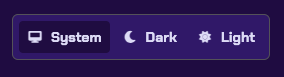
Theme is based on user's device settings
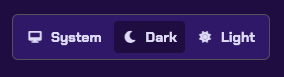
Dark Mode Manually Set
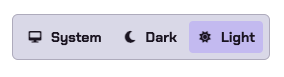
Light Mode Manually Set